
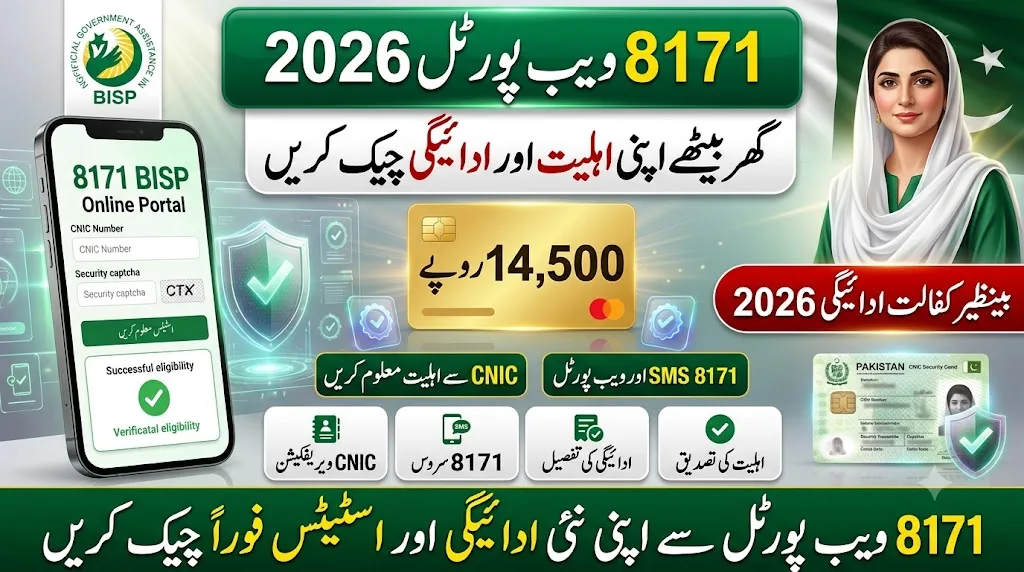
BISP 8171 Eligibility Check Online allows eligible families to verify their BISP status using their CNIC from home. If you registered with BISP, you probably want one simple answer. Are you eligible or not? That’s exactly what the 8171 system is built for. No long queues. No repeated office visits. Just your CNIC and a few minutes of your time.
What Is This 8171 System
Think of 8171 as a quick status checker. It tells you if you’re registered, if you’re eligible, and if any payment is waiting for you. It also shows updates from the dynamic survey and gives hints about your PMT score standing. All you need is your CNIC number. Nothing else.
People like it because it’s free. The result shows up almost instantly. You don’t need to submit fresh paperwork just to check your status. You can also track payments and complaints through the same system. It saves time, and honestly, that matters a lot for families juggling daily responsibilities.
BISP 8171 Eligibility Check Online Via Portal
The online method is short and doesn’t require any technical skill. Here’s how most people go through it:
- Open the official portal page in any browser
- Type your 13-digit CNIC without dashes
- Enter the captcha code shown on the screen
- Press the submit or check eligibility button
- Wait a few seconds for your result to load
Once submitted, you’ll see one of four outcomes. Eligible means you qualify. Under verification means your file is still being reviewed. Not eligible means you don’t currently meet the criteria. Survey required means you need to visit a center and update your NSER details.
What If You Don’t Have Internet
Not everyone has smooth internet access, especially in smaller towns. That’s where the SMS option helps. Just open your messages app, type your CNIC number, and send it to 8171. A reply comes back with your eligibility details. No data plan needed. It works even on basic phones, and it’s available across the country.
Documents You Should Keep Ready
Before registering or updating your details, gather your original CNIC, a registered mobile number, family registration certificate, children’s B-form if applicable, utility bills if asked, disability certificate where relevant, and a death certificate for widows claiming under that category.
Checking Payment Status
Once you’re confirmed eligible, payment status can be checked the same way, through the portal, SMS, your local office, or payment agents. Results usually show whether payment has been released, is still pending, or has already been received.
Frequently Asked Questions
Can I check my eligibility without going online? Yes, the SMS method works fine, just send your CNIC number to 8171 and wait for the reply.
What does under verification actually mean? It simply means your case hasn’t been finalized yet, so you’ll need to check again after some time passes.
Do I need to pay anything for this check? Nothing at all, the entire process through both the portal and SMS is completely free of charge.
What happens if my result says survey required? That means your NSER details are outdated or incomplete, so a visit to your nearest center becomes necessary.
Is it safe to share my CNIC on this portal? Yes, as long as you’re using the official portal or SMS number, sharing your CNIC there is completely safe.